Potato Graphics: the lowest-detail look, in one click.
Competitive players turn graphics down further than the in-game menu allows, for more FPS and a cleaner view of the fight. Potato Graphics does that for you, one game at a time, with a Revert button next to each profile.
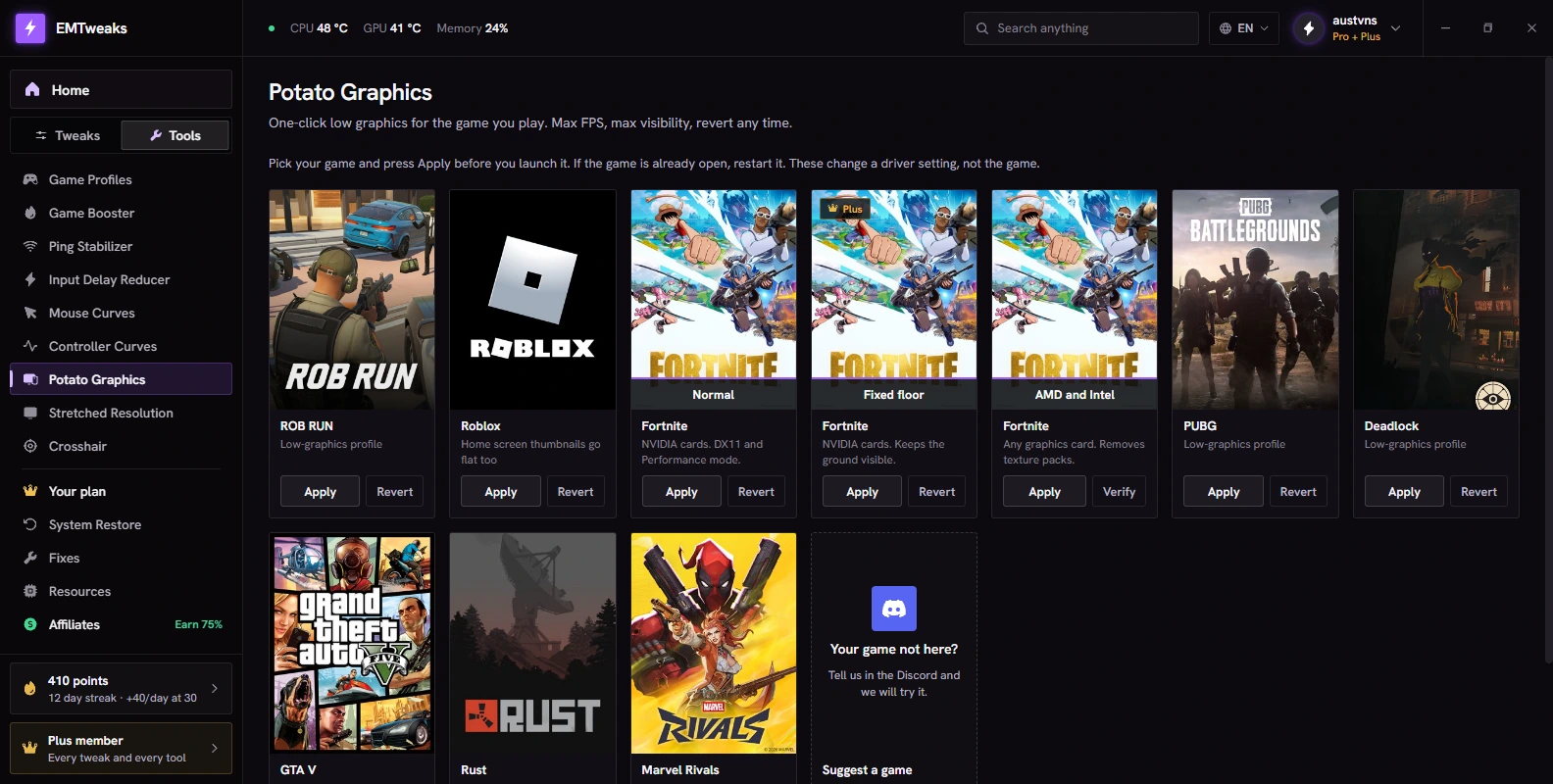
One click per game
Pick the game, press the button. No config files to find, no values to copy from a video.
Revert is right there
Every profile has its own Revert button, so going back to your normal graphics is one click too.
It knows your graphics card
The app reads your card and shows which profiles will work on it, before you buy and after.
Where Potato Graphics works.
On NVIDIA it sets a driver profile for the game. For Fortnite there is also an AMD and Intel profile, which works through the game's own texture files.
Potato Graphics, answered.
What is Potato Graphics?
It is a one-click low-graphics profile for a game: the lowest-detail look, for the most FPS and the clearest view of other players. Each profile has a Revert button that puts your normal graphics back.
Which games does it work with?
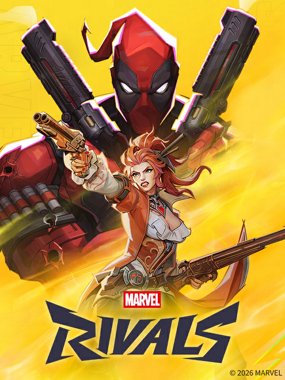
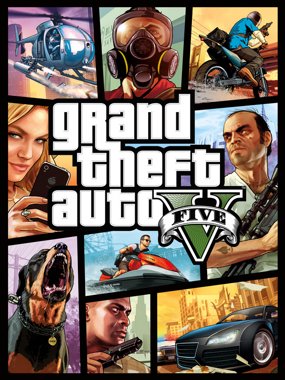
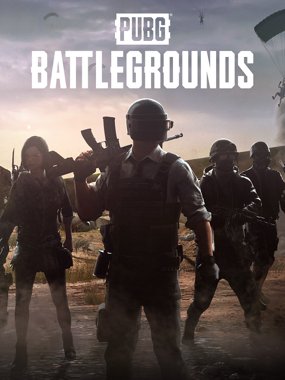
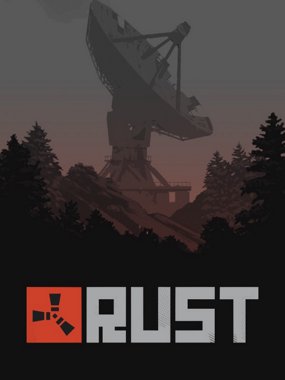
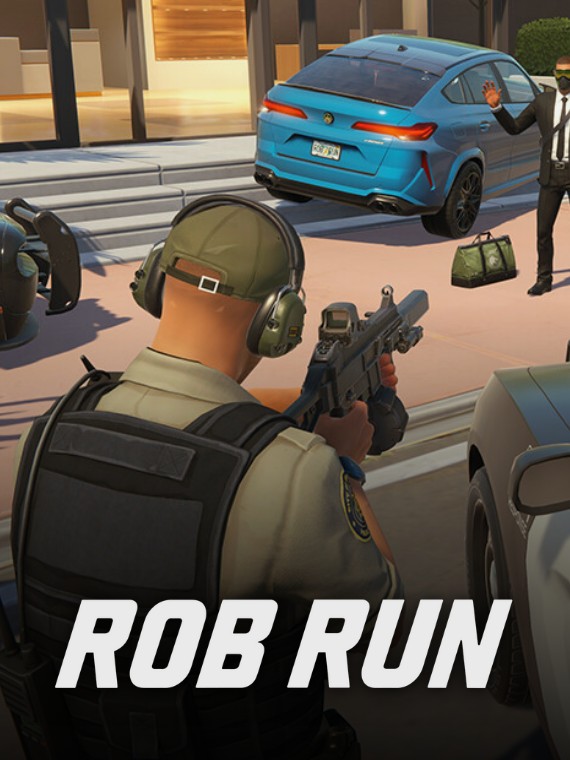
Fortnite, Roblox, Deadlock, Marvel Rivals, GTA V, PUBG, Rust and ROB RUN. Fortnite has more than one profile.
Does Potato Graphics work on AMD and Intel?
For Fortnite, yes. There is an AMD and Intel profile that works through the game's own texture files. The other profiles are NVIDIA driver profiles, so they need an NVIDIA card. The app reads your card and tells you which ones will work before you buy.
Is Potato Graphics free?
No. It comes with Pro, which is a one-time purchase, and with Plus. The rest of the app is free to start.
Can I go back to normal graphics?
Yes. Every profile has a Revert button next to it.
Potato Graphics comes with Pro and Plus. The app is free to start.
Windows 10 and 11. About 99 MB. Signed installer.